
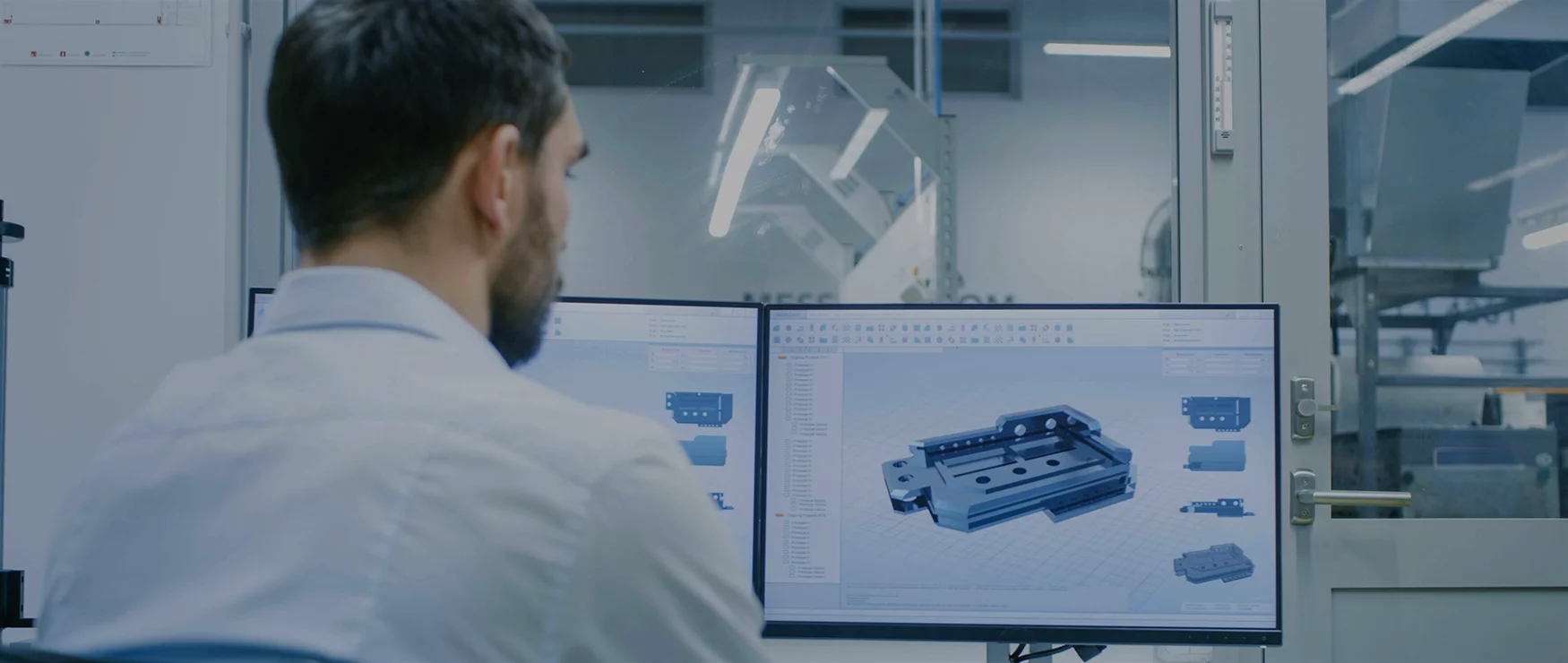
At 3D Laser Monkey, we work with both CAD files and 3D models every day. So let’s break down what each one means, when you’d use them, and why it matters for your project.
The Simple Explanation
Here’s the quick version:
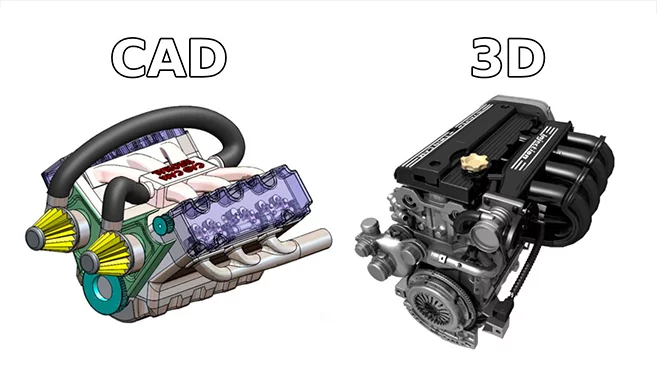
CAD (Computer-Aided Design) is all about precision and technical accuracy. It’s used by engineers, architects, and manufacturers to create detailed plans for things that need to be built or made.
3D Modelling is more about visual appearance. It’s used to create realistic-looking objects for games, movies, advertising, and product visualisation.
Think of it this way:
- CAD = How something is built (technical blueprint)
- 3D Modelling = How something looks (visual representation)
Both create 3D objects on a computer, but they serve different purposes.
What is CAD?
CAD stands for Computer-Aided Design. It’s been around since the 1960s and has completely transformed how products, buildings, and machines are designed.
Before CAD, engineers and architects drew everything by hand – blueprints, technical drawings, schematics. It was slow, and making changes meant starting over. CAD changed all that.
With CAD software, you can:
- Create precise 2D drawings and 3D models
- Easily make changes and updates
- Test how parts fit together
- Calculate measurements, materials, and tolerances
- Export files directly for manufacturing (like CNC machining or 3D printing)
Common CAD software includes:
- AutoCAD
- SolidWorks
- Fusion 360
- Revit (for architecture)
- FreeCAD (free and open-source)
CAD file formats you might see:
- .DWG
- .DXF
- .STEP
- .IGES
- .STL (this one’s important for 3D printing)
Who Uses CAD?
CAD is the go-to tool for anyone who needs technical precision:
- Engineers – Designing mechanical parts, electronics, and systems
- Architects – Planning buildings and structures
- Product designers – Creating consumer products ready for manufacturing
- Manufacturers – Preparing files for CNC machines and 3D printers
If something needs to be physically made with exact measurements, CAD is usually involved.
What is 3D Modelling?
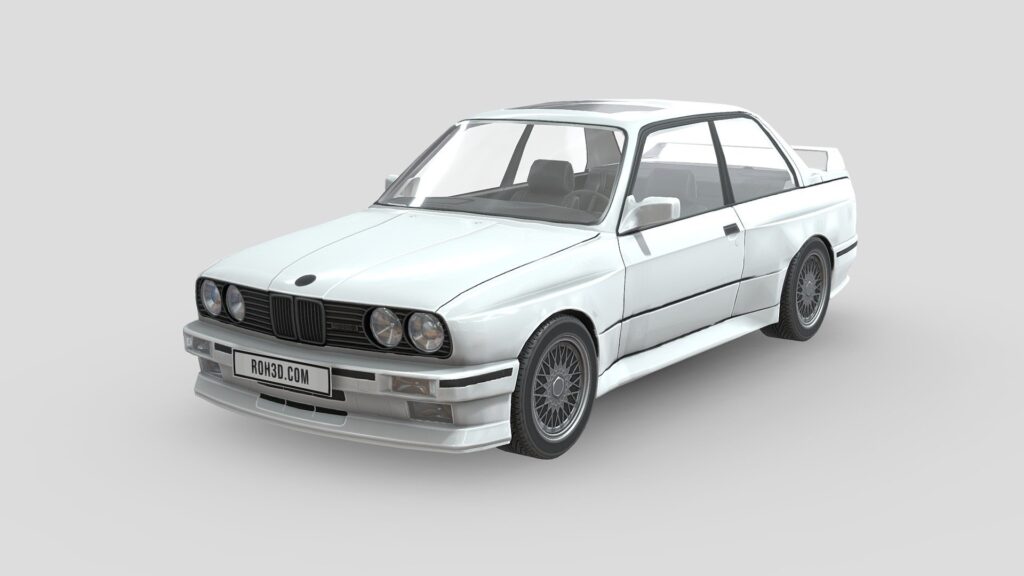
3D modelling is the process of creating three-dimensional objects in software – but with a focus on how things look rather than how they’re built.
While CAD is about engineering precision, 3D modelling is about visual appeal. The models might not have accurate real-world measurements, but they look fantastic on screen.
With 3D modelling software, you can:
- Create realistic characters, objects, and environments
- Add textures, colours, and materials
- Set up lighting and cameras for renders
- Animate objects and characters
- Create visual effects for film and video
Common 3D modelling software includes:
- Blender (free!)
- 3ds Max
- Maya
- Cinema 4D
- ZBrush (for sculpting)
3D model file formats you might see:
- .OBJ
- .FBX
- .3DS
- .BLEND
Who Uses 3D Modelling?
3D modelling is the tool of choice for creative industries:
- Game developers – Creating characters, environments, and props
- Film and TV – Visual effects, animated movies, CGI
- Advertisers – Product visualisation and marketing materials
- Architects – Creating photorealistic renders of buildings (often starting from CAD)
- Product designers – Visualising how a product will look before it’s made
CAD vs 3D Modelling: A Quick Comparison
| Aspect | CAD | 3D Modelling |
|---|---|---|
| Primary purpose | Technical accuracy | Visual appearance |
| Used for | Engineering, manufacturing, architecture | Games, film, advertising, visualisation |
| Focus | Measurements, tolerances, functionality | Textures, lighting, aesthetics |
| Output | Technical drawings, manufacturing files | Renders, animations, game assets |
| Precision | Extremely precise (down to fractions of a millimetre) | Visually accurate, not necessarily to scale |
| Typical users | Engineers, architects, product designers | Artists, animators, game developers |
Where They Overlap
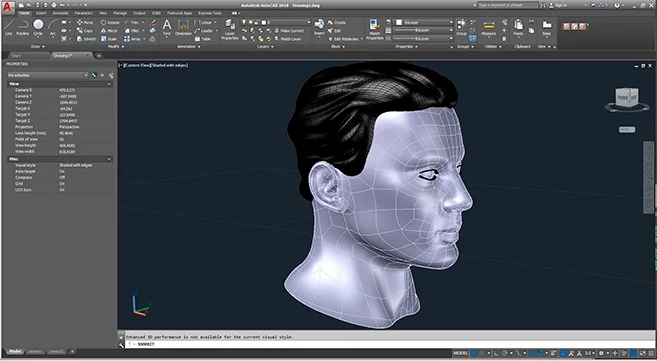
Here’s where it gets interesting – CAD and 3D modelling often work together.
For example, an architect might design a building in CAD (with all the precise measurements and structural details), then hand it to a 3D artist who creates a photorealistic visualisation to show the client. The CAD model ensures accuracy; the 3D model makes it look beautiful.
Similarly, a product designer might create a precise CAD model of a new gadget, then use 3D modelling software to create marketing images showing the product in different colours, environments, and lighting conditions.
At 3D Laser Monkey, we see this overlap all the time. Customers bring us CAD files from engineers that need some cleanup before printing. Or they bring us 3D models that were created for visual purposes but need converting to a printable format.
Which One Do You Need for 3D Printing?
This is the question we get asked most often. The answer: it depends on what you’re printing and why.
You probably need CAD if:
- You’re creating a functional part (something that needs to fit or work with other components)
- Precise measurements are critical
- You’re replacing a broken part
- You’re prototyping a product for manufacturing
- You need the file to be editable for future modifications
You might use a 3D model if:
- You’re printing something decorative (a figurine, sculpture, or display piece)
- Visual appearance matters more than exact dimensions
- You’re printing a character or prop from a game or movie
- The model already exists and just needs preparing for print
The Good News
Most 3D printing uses the .STL file format – and both CAD software and 3D modelling software can export to .STL. So regardless of where your file came from, we can usually work with it.
If your file isn’t print-ready, don’t worry. We can convert, repair, and prepare files for printing. That’s part of what we do.
CAD File Types
| Format | What it is |
|---|---|
| .DWG | AutoCAD’s native format – very common |
| .DXF | Universal CAD format – works across different software |
| .STEP | Great for sharing 3D CAD models between programs |
| .IGES | Older format, still widely used |
| .STL | The standard for 3D printing |
3D Model File Types
| Format | What it is |
|---|---|
| .OBJ | Common 3D model format – includes geometry and textures |
| .FBX | Popular for animation and game development |
| .3DS | 3ds Max format |
| .BLEND | Blender’s native format |
| .STL | Also used for 3D printing (geometry only, no colour) |
Software Recommendations
If you’re interested in creating your own designs, here are some options:
For CAD (Technical/Engineering)
Fusion 360 – Free for hobbyists, powerful and user-friendly. Great for functional parts and prototypes.
FreeCAD – Completely free and open-source. Has a steeper learning curve but very capable.
TinkerCAD – Free, browser-based, and super simple. Perfect for beginners.
For 3D Modelling (Visual/Creative)
Blender – Free and incredibly powerful. Used by professionals worldwide. Takes time to learn but worth it.
SketchUp – Easy to use, great for architectural and simple models. Free version available.
For Both
Fusion 360 – Blurs the line between CAD and 3D modelling. Can do technical design and basic rendering.
How 3D Laser Monkey Can Help
Not sure what type of file you need? Don’t have design skills? No problem – that’s what we’re here for.
We offer:
- 3D modelling services – We’ll create a digital model from your sketch, photo, or description
- CAD design – Technical drawings and models for functional parts
- File conversion – Convert your files to a printable format
- File repair – Fix broken or problematic 3D files
- 3D scanning – Turn physical objects into digital models
- 3D printing – Bring your digital designs into the real world
Whether you’ve got a CAD file from an engineer, a 3D model from a game, or just an idea in your head – we can work with it.