
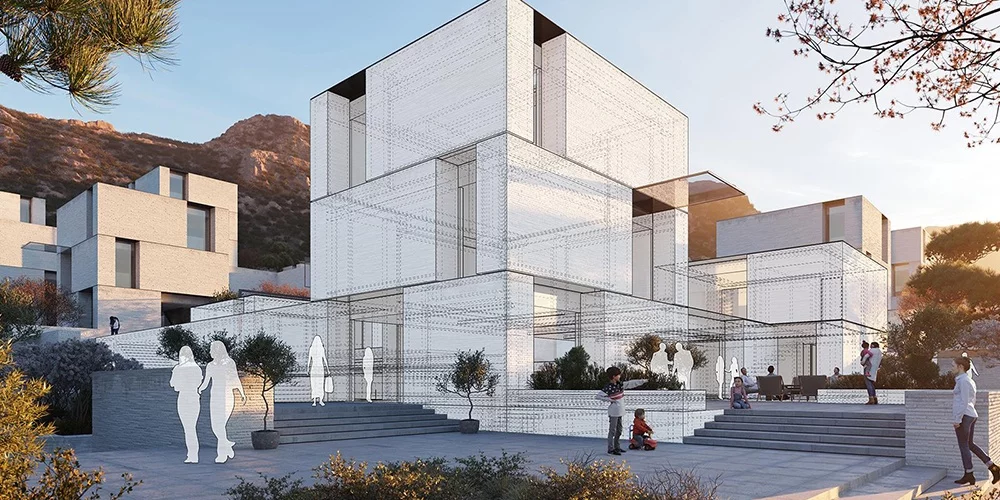
At 3D Laser Monkey, we work with builders, architects, and property developers who use 3D models to plan, present, and perfect their projects. So let’s take a look at how 3D visualisation is shaping the construction industry – and why it matters.
What is 3D Architectural Visualisation?
In simple terms, it’s creating a digital 3D model of a building or structure before it’s built. Instead of flat drawings and blueprints, you get a realistic, three-dimensional view of what the finished project will look like.
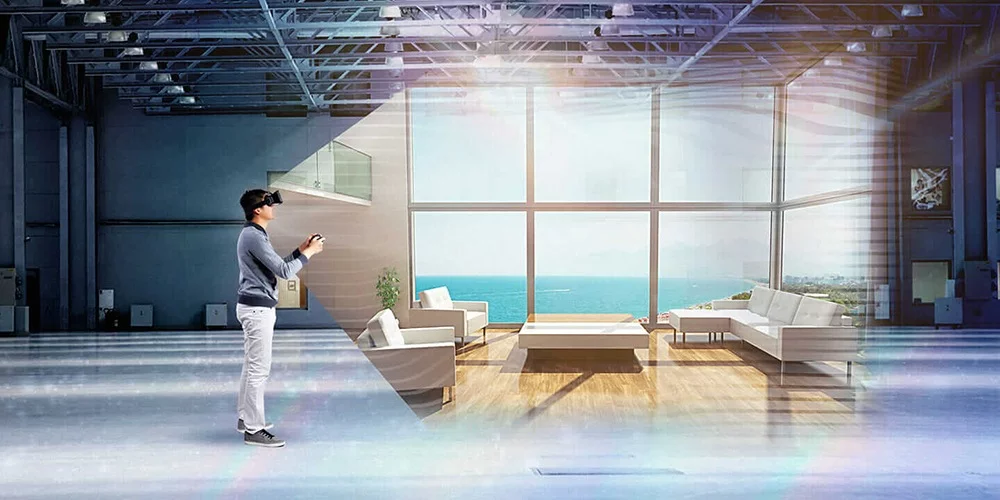
These models can be rotated, zoomed into, and explored from every angle. Some are so realistic they look like photographs. Others are interactive, letting you “walk through” a building that doesn’t exist yet.
From Pencil Sketches to Digital Models
For thousands of years, architects relied on hand-drawn plans and sketches. It worked, but it had limitations – drawings can be hard to interpret, easy to damage, and difficult to update.
Then 3D software came along in the 1990s, and everything changed.
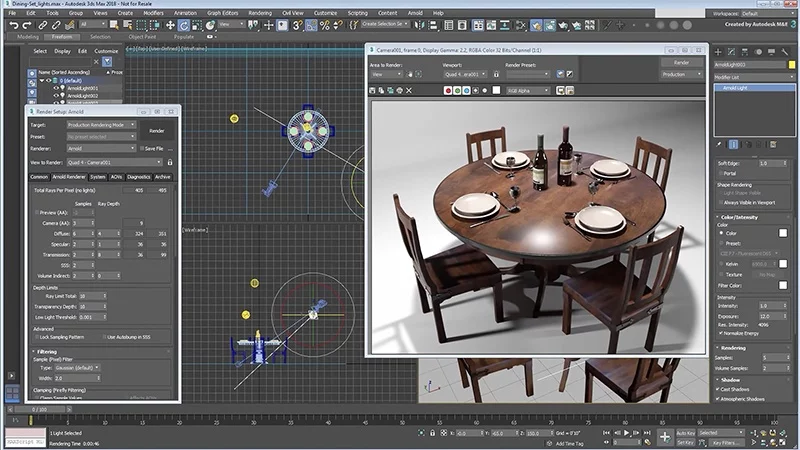
Today, most architectural projects involve 3D models. Architects use software like Blender, SketchUp, Revit, and 3DS Max to create detailed digital versions of their designs. These models show exactly how a building will look – inside and out – complete with lighting, textures, and even surrounding landscapes.
The result? Everyone involved in a project – from the architect to the construction crew to the client – can see exactly what they’re building before construction begins.
Why Construction Teams Love 3D Models
It’s not just architects who benefit. Construction workers, project managers, and site supervisors are finding 3D visualisation incredibly useful on the job. Here’s why:
Easier to Understand Than Flat Drawings
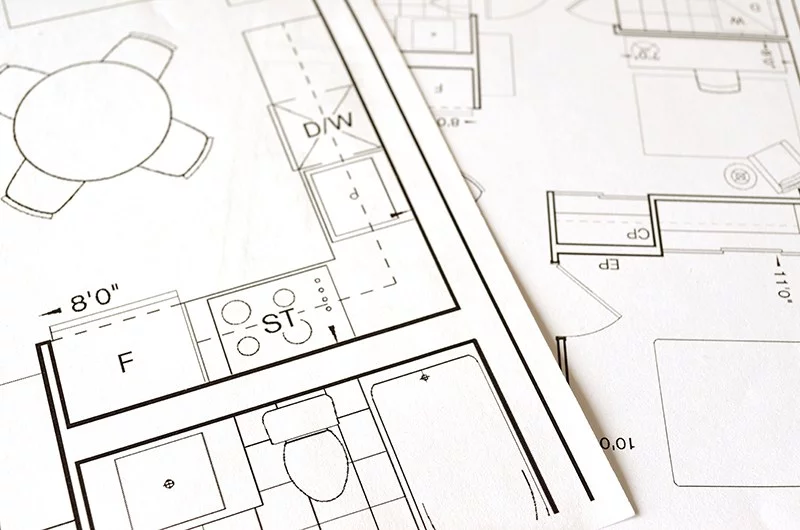
Let’s be honest – reading blueprints isn’t easy. It takes training and experience to look at a 2D floor plan and picture the finished building in your head.
A 3D model removes that guesswork. You can see the building from any angle, zoom into specific areas, and understand exactly how everything fits together. No more squinting at tiny lines on a crumpled piece of paper.
Access Anywhere, Anytime
Paper plans get lost, damaged, or left in the wrong place. Digital 3D models can be accessed on tablets, phones, and laptops – right there on the construction site.
Need to check a detail? Pull it up on your phone. Want to show a subcontractor exactly what you need? Hand them a tablet. It’s faster, easier, and far more convenient.
Fewer Mistakes, Better Results
When everyone can clearly see what they’re building, mistakes are less likely to happen. Misunderstandings between architects and builders? Reduced. Errors that only show up during construction? Caught earlier.
3D modelling software also uses precise calculations, so measurements are accurate and consistent. Human error – like misreading a dimension on a hand-drawn plan – becomes far less common.
Easier Collaboration
On a big construction project, you’ve got architects, engineers, electricians, plumbers, project managers, and dozens of other people who all need to be on the same page.
With 3D models (especially when combined with Building Information Modelling – more on that in a moment), everyone can access the same information. Teams can coordinate better, spot potential clashes early (like a pipe running through where a beam should be), and keep the project running smoothly.
Impressing Clients and Getting Approvals
If you need to get a project approved – whether by a client, investor, or local council – a stunning 3D visualisation makes a huge difference.
Instead of asking people to imagine what a building will look like, you can show them. A photorealistic render or a virtual walkthrough is far more persuasive than a stack of technical drawings.
What is Building Information Modelling (BIM)?
You might have heard the term BIM floating around the construction industry. It stands for Building Information Modelling, and it’s basically taking 3D visualisation to the next level.
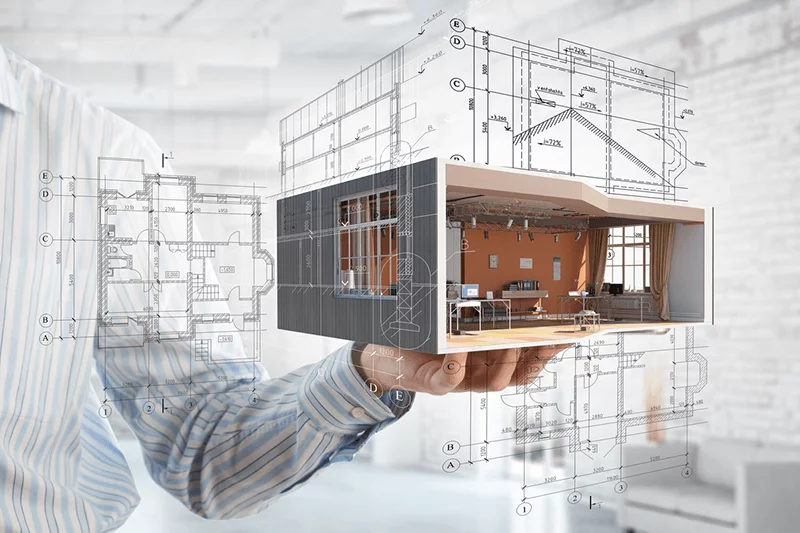
With BIM, the 3D model isn’t just a pretty picture – it contains data. Information about materials, costs, timelines, structural specifications, plumbing, electrical systems, and more is all embedded in the model.
This means everyone working on a project – from the architect to the electrician to the project manager – can access the same detailed information. Changes update automatically, clashes are detected early, and the whole project runs more efficiently.
BIM has become the standard in many countries, including the UK, Singapore, and several European nations. It’s where the industry is heading.
How 3D Visualisation Helps at Every Stage
Here’s a quick look at how 3D models support a construction project from start to finish:
Planning and Design Architects create detailed 3D models to explore ideas, test layouts, and refine designs before committing to anything.
Client Presentations Photorealistic renders and virtual walkthroughs help clients understand and approve designs. Much easier than trying to explain a floor plan!
Getting Approvals Councils, investors, and planning authorities can see exactly what’s being proposed. A clear visual presentation can speed up the approval process.
Construction Workers on site can reference 3D models on their devices, reducing confusion and mistakes. Complex details are easier to understand when you can see them in 3D.
Handover and Maintenance Once the building is complete, the 3D model (especially if it’s a BIM model) becomes a valuable record. Facility managers can use it to understand the building’s systems and plan maintenance.
3D Printing for Construction and Architecture
Here’s where things get really interesting – and where 3D Laser Monkey comes in.
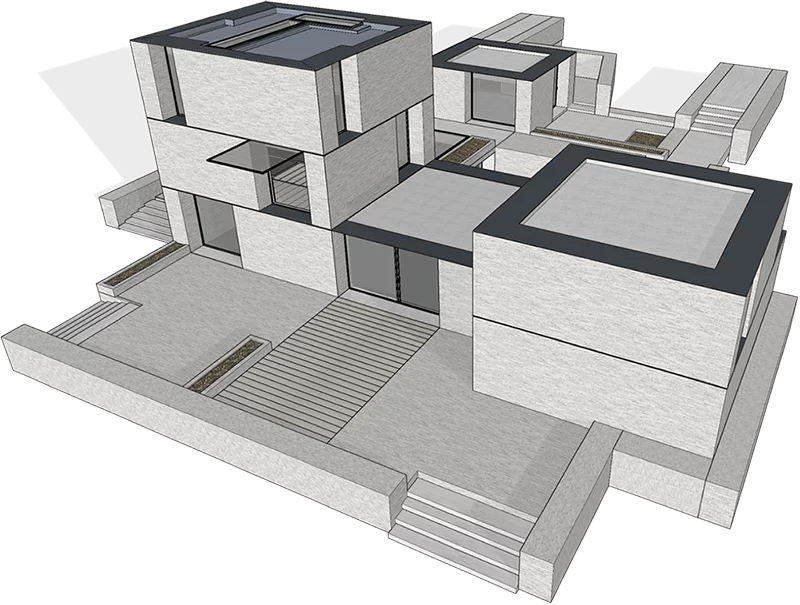
3D models aren’t just for screens. They can be turned into physical objects through 3D printing. For architects and developers, this means:
Physical scale models – Instead of just showing a digital render, you can hand a client an actual 3D printed model of their building. There’s something powerful about holding a miniature version of your future home or office in your hands.
Prototyping building components – Need to test how a custom bracket, fitting, or decorative element will look and function? Print a prototype first.
Site models – Show how a building fits into its surroundings with a 3D printed terrain model.
Presentation models – Impress investors or planning committees with a professional, tangible model they can examine up close.
At 3D Laser Monkey, we can take your architectural 3D files and turn them into physical models. Whether it’s a small-scale model of an entire development or a detailed section of a building, we’ll print it for you.
What You Need to Get Started
If you’re in construction or architecture and want to start using 3D visualisation (or make better use of it), here’s what you need:
- A 3D model – Created by an architect, designer, or 3D modelling specialist
- Software to view it – Programs like SketchUp Viewer, BIM 360, or even free options like Blender
- Devices for your team – Tablets or laptops that site staff can use to access the models
If you already have a 3D model and want a physical version, that’s where we come in.
How 3D Laser Monkey Can Help
We work with architects, builders, and property developers to bring their digital designs into the physical world. Here’s what we offer:
3D printed architectural models – Scale models of buildings, developments, or interiors. Perfect for presentations, client meetings, or planning applications.
Component prototypes – Custom fittings, brackets, decorative elements, or any building component you want to test before manufacturing.
Site and terrain models – Show how a building sits in its environment with a detailed landscape model.
File preparation – If your 3D file needs cleaning up or converting to a printable format, we’ll sort that out for you.
Whether you’re an architect wanting to impress a client, a developer presenting to investors, or a builder who needs a prototype – we can help.